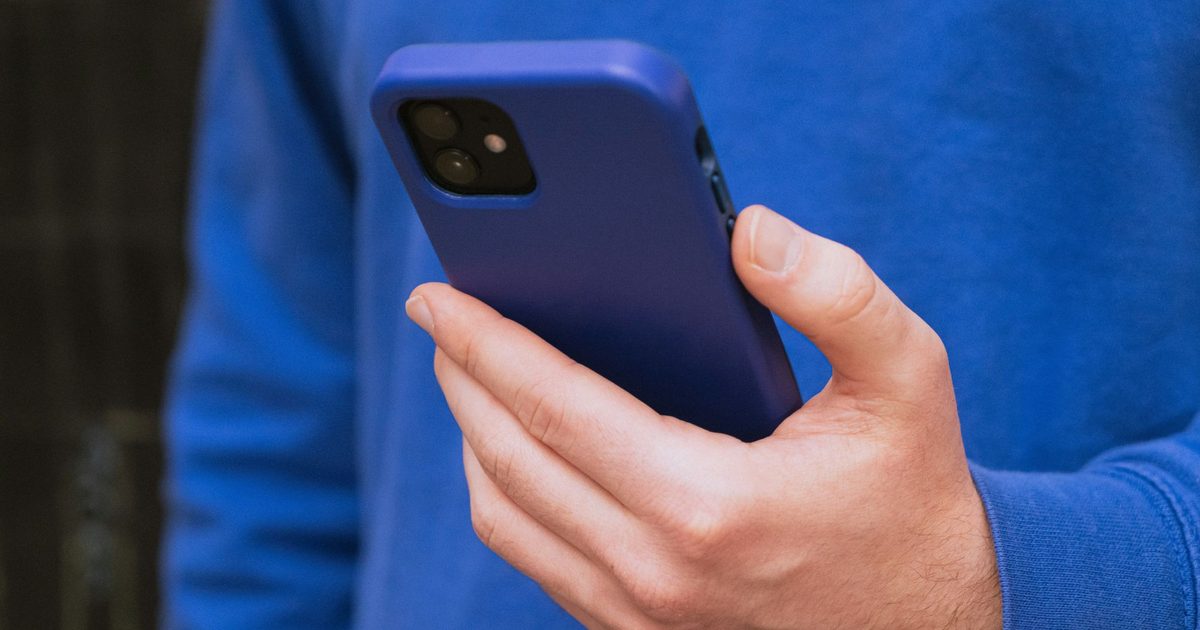
Every summer, social media reinvents the same “life hack”: if your phone gets too hot, put it in the fridge for a few minutes. It sounds reasonable. Refrigerators are cold. Phones are hot. Problem solved. Except it isn’t. Repair experts, smartphone manufacturers, and security experts all agree that this is one of the worst things you can do to an overheated phone. While the trick may temporarily cool the exterior, it can quietly cause a much bigger problem inside the device – one that can permanently damage components or shorten its battery life.
According to a new BBC report, the latest warning comes from a phone repair shop in the UK, but one specialist has been repeating it for years.
Your phone doesn’t overheat because it needs a cooler
According to the BBC, Jamie Farnell, who runs Shropshire Phone Repairs in Wem, says his shop has been flooded with heat-related items during the recent heat wave. Many customers admitted to trying to cool their phones by putting them in the fridge or freezer after seeing the advice spread on social media.
Farnell says that’s exactly what people shouldn’t do. The problem isn’t the cold itself – it’s what happens when a warm electronic device is placed in a cold, damp environment. Rapid temperature changes create condensation, which allows moisture to build up inside the phone. Unlike the water you might notice outside of a cold drink, condensation inside a smartphone can reach the display, charging port, logic board, or battery connectors. That moisture can lead to rust, short circuits, or expensive repairs.
Farnell also brought up another common internet myth that refuses to die: putting phones in rice water. He says that trick doesn’t work as well as the refrigerator hack, despite continuing to spread widely on the Internet. The warning comes after a shocking incident at his repair shop, where an iPad with a swollen lithium battery reportedly burst into flames during the June heatwave. Swollen batteries are usually a sign of excessive heat stress and should never be ignored.
Apple and Samsung say the same thing: let the phone cool down naturally
This is not just one expert’s opinion. Apple says iPhones are designed to protect themselves when they get too hot by dimming the display, reducing charging, reducing performance, or temporarily disabling certain features until temperatures return to normal. The company’s advice is straightforward: take the phone to a cool place out of sunlight and let it cool down naturally. Apple does not recommend exposing the device to sudden temperatures.
Samsung offers similar guidance for Galaxy devices. If the phone displays a “Device cooling down” warning, users should stop using it, unplug it from charging, remove any protective case, close background apps, and simply let it cool down on its own. The phone automatically reduces performance and pauses charging to protect its internal components while dissipating heat.
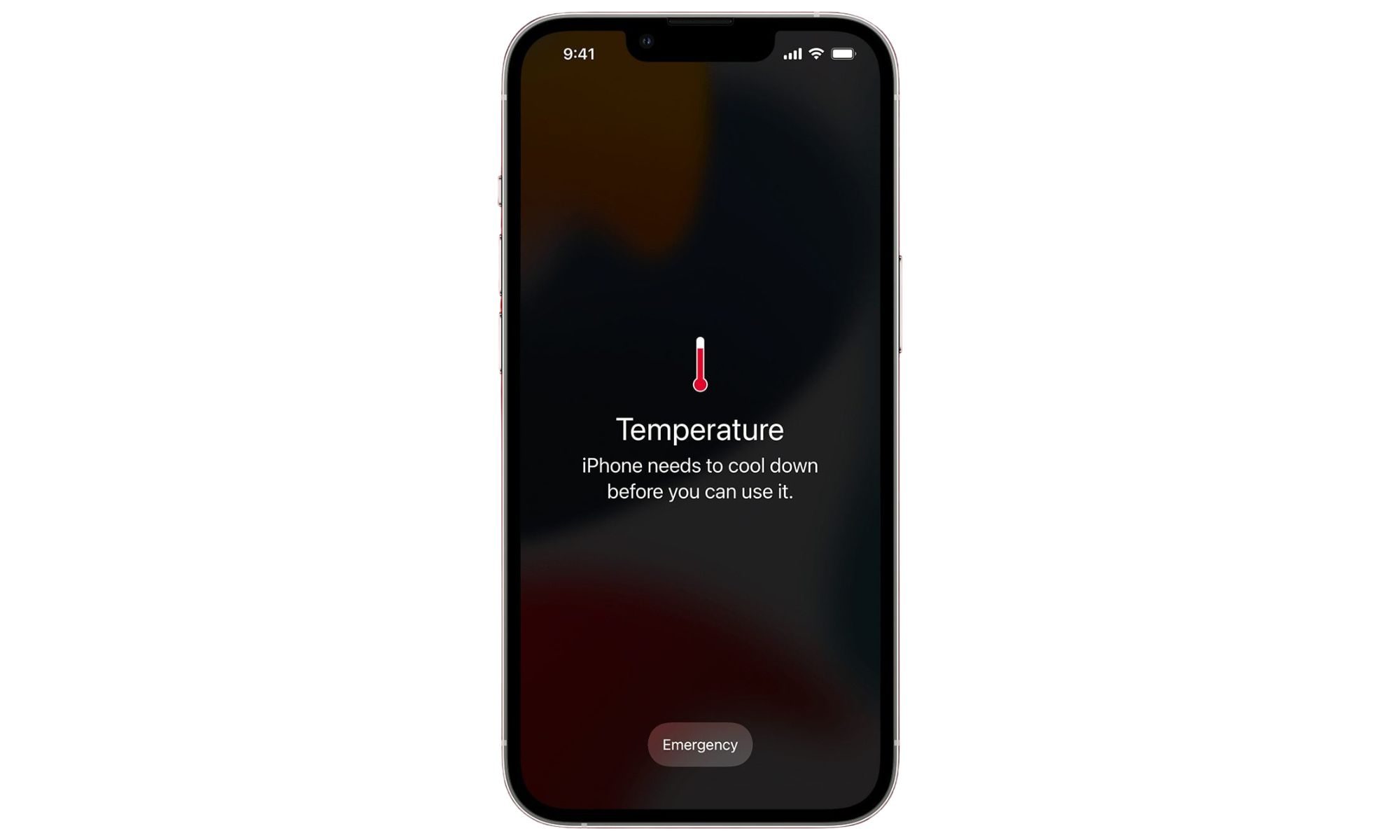
Even the Associated Press, citing guidance from Apple, Samsung, Google and UK electronics retailer Currys during last summer’s heatwave, warned against putting phones in refrigerators or freezers because of the risks of condensation. If your phone feels too hot to handle, there are safe ways to help it recover. Turn it off if possible, remove the charging cable, close power-demanding apps, lower the screen brightness, take off any heavy protective cases, and store it somewhere shaded with good airflow. Avoid charging while playing or recording long videos, especially in direct sunlight.
Modern smartphones already contain thermal management systems designed to slow them down before permanent damage. Intermittent operation may be annoying, but it’s much cheaper than replacing a damaged motherboard. As enticing as the refrigerator trick may seem during the heater, your phone doesn’t need a blast of cold air. It just requires a little patience.